
QNAP Rackmount & Enterprise NAS Data Recovery
QNAP rackmount systems run file shares, virtual machines, surveillance archives and backups for thousands of businesses. They are often filled with large drives, connected to expansion units, and presenting iSCSI LUNs to VMware or Hyper-V – so a failure can take several systems offline at once.
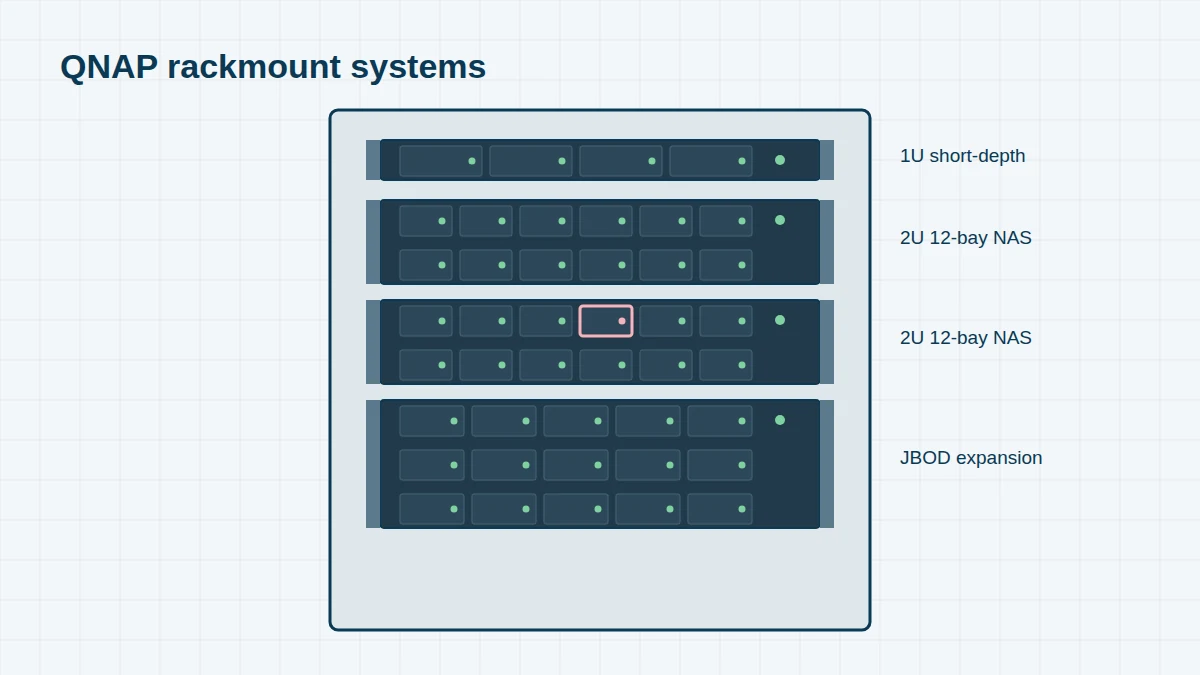
We recover data from every QNAP rackmount and enterprise model, from 2010’s TS-459U-RP+ to the TS-h765eU short-depth unit launched in 2025, in our London lab or on-site.
QNAP Rackmount & Enterprise Models, 2010 to Today
Reading a QNAP model name. In most QNAP names, the first digit after TS- or TVS- is the number of drive bays (the TS-453D has 4). An h (TS-h886, TVS-h874) means the unit runs the ZFS-based QuTS hero operating system; U means rackmount; RP means redundant power supplies; X usually means built-in 10GbE; AI marks models with a neural processing unit.
Can’t see your model? The model name is on a label on the back or underside of the unit. We recover every QNAP system, including models not listed here – send us a photo of the label if you’re unsure.
Rackmount NAS 8 entries
QNAP rackmount units end in U; RP models have redundant power supplies; X models have 10GbE or faster networking.
| Era | Models | Bays | Notes |
|---|---|---|---|
| 2010–12 | TS-459U-RP+ / TS-859U-RP+ / TS-879U-RP / TS-1279U-RP | 4–12 | |
| 2012–13 | TS-EC879U-RP / TS-EC1279U-RP / TS-EC1679U-RP | 8–16 | Intel Xeon, ECC memory |
| 2014–16 | TS-453U-RP / TS-853U-RP / TS-1253U-RP / TS-463U / TS-863U | 4–12 | |
| 2016–18 | TS-453BU / TS-853BU / TS-1253BU / TS-873U / TS-1273U / TS-1673U | 4–16 | |
| 2017–19 | TS-883XU / TS-983XU / TS-1283XU / TS-1683XU / TS-2483XU | 8–24 | Intel Xeon E-2100/E-2200 |
| 2019–21 | TS-977XU / TS-1277XU / TS-1886XU / TS-h1886XU / TS-h2483XU | 9–24 | QuTS hero on h models |
| 2021–23 | TS-873AeU / TS-464U / TS-864eU / TS-h1277XU / TS-h1887XU / TS-h3087XU | 4–30 | Short-depth e models |
| 2025 | TS-h765eU | 4 + 3 E1.S/M.2 | 1U short-depth, QuTS hero |
Enterprise, dual-controller and all-flash 6 entries
Business systems running QES (the enterprise OS based on ZFS) or QuTS hero.
| Era | Models | Bays | Notes |
|---|---|---|---|
| 2015–16 | ES1640dc / ES1640dc v2 | 16 | Dual active-active controllers, QES |
| 2018 | ES1686dc / ES2486dc | 16 / 24 | Dual-controller, QES |
| 2018–19 | TES-1885U / TES-3085U | 18 / 30 | Enterprise, QES / Windows Storage Server |
| 2020–22 | TS-h1283XU-RP / TS-h1683XU-RP / TS-h2483XU-RP / TS-h3088XU-RP | 12–30 | QuTS hero |
| 2021–23 | TS-h1290FX / TS-h2490FU | 12 / 24 | All-flash NVMe |
| 2023–24 | TDS-h2489FU | 24 | Dual-socket all-flash |
Expansion units (JBOD) 3 entries
Expansion enclosures add drives to a QNAP NAS. A storage pool can span the NAS and its expansion units.
| Era | Models | Bays | Notes |
|---|---|---|---|
| 2012–16 | UX-500P / UX-800P / REXP-1200U-RP / REXP-1600U-RP | 5–16 | USB / SAS |
| 2018–21 | TR-004 / TR-002 / TL-D800C / TL-R1200C-RP | 2–12 | USB-C JBOD / RAID |
| 2019–23 | TL-D800S / TL-D1600S / TL-R1200S-RP / TL-R1620Sdc | 8–16 | SAS/SATA JBOD |
Business Recovery Scenarios
- iSCSI LUNs – file-based or block-based LUNs holding VMware VMFS datastores or Hyper-V volumes. We extract the LUN, then recover the virtual machines inside. See VMware recovery.
- Multi-drive failures in RAID 5, RAID 6 or RAID 50/60 groups on 12- to 30-bay units
- Expansion unit disconnected – a pool spanning the NAS and a TL or REXP enclosure goes offline
- ZFS pool won’t import on QuTS hero or QES systems, including pools with deduplication
- Dual-controller failover problems on ES-series systems
- Snapshot and replication targets that need to be recovered when the primary system has also failed
Before You Do Anything
Don’t initialise, re-create or “Recover” a storage pool, and don’t swap drives between bays or units. Shut down cleanly if possible, label every drive with its unit and bay, and call us on 020 7064 4996. We offer on-site and emergency services for business-critical QNAP systems.
Frequently asked questions
Can you recover a QNAP ZFS pool with deduplication enabled?
Yes. Deduplicated ZFS pools need the deduplication table to reassemble files; we rebuild the pool from drive images and read the table directly.
Can you work on-site?
Yes. See on-site RAID recovery. We can image drives at your premises when data can’t leave the building.
Free assessment, no obligation. Call 020 7064 4996 or use the form on this page – an engineer will tell you what can be recovered and what it will cost. Book online · Pricing · Locations