
G-Technology & SanDisk Professional SSD Data Recovery
Rugged G-Technology and SanDisk Professional SSDs are built to survive drops, dust and water on location – and they usually do. When they fail, it’s typically the internal NVMe SSD’s controller or firmware, a damaged connector, or a problem with the enclosure’s bridge board, rather than physical damage to the flash memory.
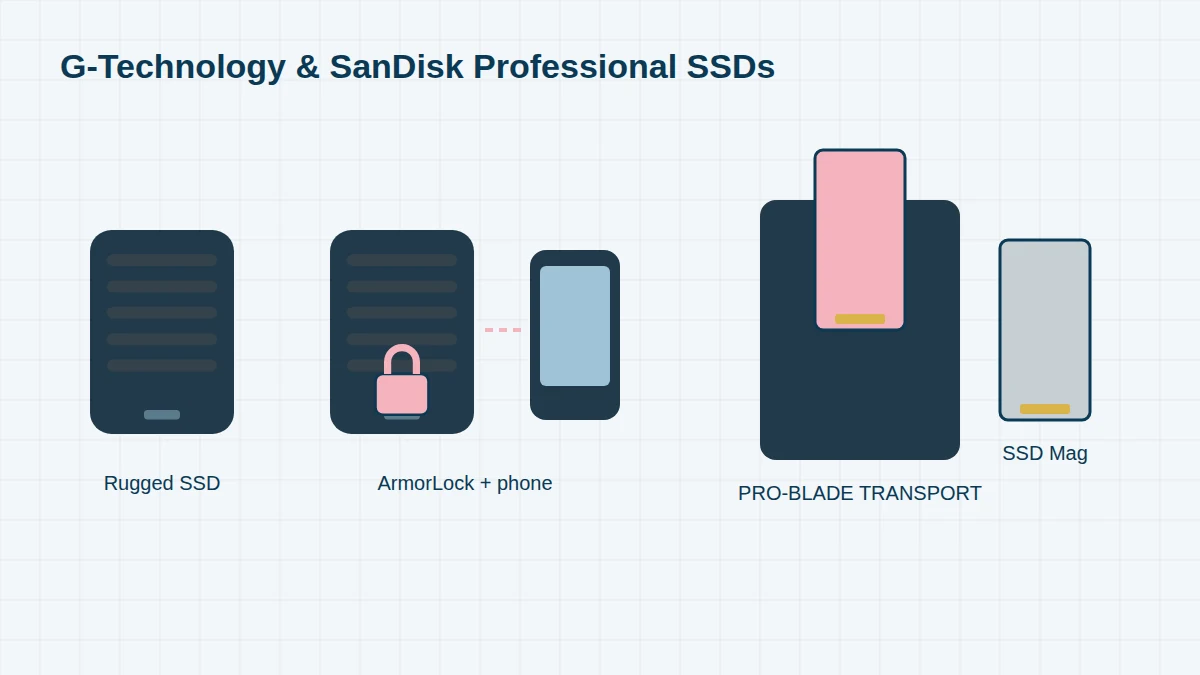
We recover data from every G-Technology and SanDisk Professional SSD, including PRO-BLADE SSD Mags used on high-end shoots and encrypted ArmorLock drives (with your credentials).
SSD Models, 2014 to Today
Finding your part number. G-Technology products made before 2022 have part numbers beginning 0G (for example 0G10275-1). SanDisk Professional products begin SDP: SDPH for hard drives, SDPS for SSDs and SDPM for PRO-BLADE modules, followed by the capacity (for example SDPH81G-005T is a 5TB drive). The label is on the underside or back of the enclosure. We recover every model, listed here or not.
G-Technology SSDs (2014 – 2021) 6 entries
| Era | Model | Type | Notes |
|---|---|---|---|
| 2014–16 | G-DRIVE ev SSD / G-DRIVE ev RaW SSD | SATA SSD module | ev Series |
| 2018 | G-DRIVE mobile SSD R-Series | NVMe, USB-C | Rugged portable |
| 2018 | G-DRIVE mobile Pro SSD | NVMe, Thunderbolt 3 | |
| 2018–19 | G-DRIVE Pro SSD (e.g. 0G10275-1) | NVMe, Thunderbolt 3 | Desktop SSD |
| 2019 | G-DRIVE mobile SSD | NVMe, USB-C | Rugged, IP67 on later models |
| 2020 | G-DRIVE ArmorLock SSD | NVMe, USB-C | Hardware-encrypted, unlocked with a phone app |
SanDisk Professional SSDs (2021 onwards) 7 entries
The SDPS or SDPM part number includes the capacity – for example SDPS31H-004T is a 4TB PRO-G40.
| Era | Model / part number | Capacity | Notes |
|---|---|---|---|
| 2021–22 | G-DRIVE SSD – SDPS11A-001T / -002T / -004T | 1–4TB | Rugged, USB-C, IP67 |
| 2021–22 | G-DRIVE PRO SSD – SDPS51F series | Various | Thunderbolt 3, rugged |
| 2021–22 | G-DRIVE ArmorLock SSD – SDPS41A series | 2–4TB | Hardware-encrypted |
| 2022 | PRO-G40 SSD – SDPS31H-001T / -002T / -004T | 1–4TB | Thunderbolt 3 and USB-C, IP68 |
| 2022 | PRO-BLADE SSD Mag – SDPM1NS-001T / -002T / -004T | 1–4TB | Modular NVMe for PRO-BLADE TRANSPORT and STATION |
| 2022 | PRO-BLADE TRANSPORT / PRO-BLADE STATION | 1 / 4 bays | Enclosures for SSD Mags |
| 2022 | G-RAID Shuttle SSD – SDPS24H series | 8–32TB | See G-RAID |
How These SSDs Fail
- SSD not recognised by the Mac or PC, or recognised with 0 bytes
- Drive disconnects repeatedly during large transfers
- USB-C or Thunderbolt connector damaged
- Internal NVMe SSD controller or firmware failure
- PRO-BLADE SSD Mag no longer recognised in the TRANSPORT or STATION
- Footage deleted or the SSD reformatted – often unrecoverable once TRIM has run, so stop using it immediately
Encrypted ArmorLock SSDs
ArmorLock SSDs encrypt everything with a key held in the drive and are unlocked using the ArmorLock app on a phone or computer. We can repair a failed ArmorLock SSD, but the data can only be decrypted with the authorised phone or account. Please keep the phone and your ArmorLock login, and don’t reset the drive.
How We Recover Them
Most of these SSDs are an NVMe SSD inside a rugged enclosure with a USB or Thunderbolt bridge. We test the bridge and connect to the internal SSD directly where possible. For controller and firmware faults, we use controller-specific tools to read the flash safely, as described on our NVMe recovery page.
Frequently asked questions
My PRO-BLADE SSD Mag isn’t recognised. Can you recover it?
Usually, yes. We test it in our own PRO-BLADE enclosure and connect to the NVMe SSD directly if needed, then recover your footage.
I formatted my G-DRIVE SSD by mistake. Can the files come back?
Possibly, but act fast. SSDs erase deleted data in the background (TRIM), so stop using the drive and don’t copy anything to it. The sooner we image it, the better the chance.
Free assessment, no obligation. Call 020 7064 4996 or use the form on this page – an engineer will tell you what can be recovered and what it will cost. Book online · Pricing · Locations