
G-RAID Data Recovery – G-Technology & SanDisk Professional
G-RAID drives have been the standard storage for Mac-based film, TV, photography and music studios for well over a decade. Most are two-drive units shipped as RAID 0 for speed – which means that if either drive fails, the whole volume is lost. Larger G-RAID Shuttle and G-SPEED units usually run RAID 5, and hold entire productions.
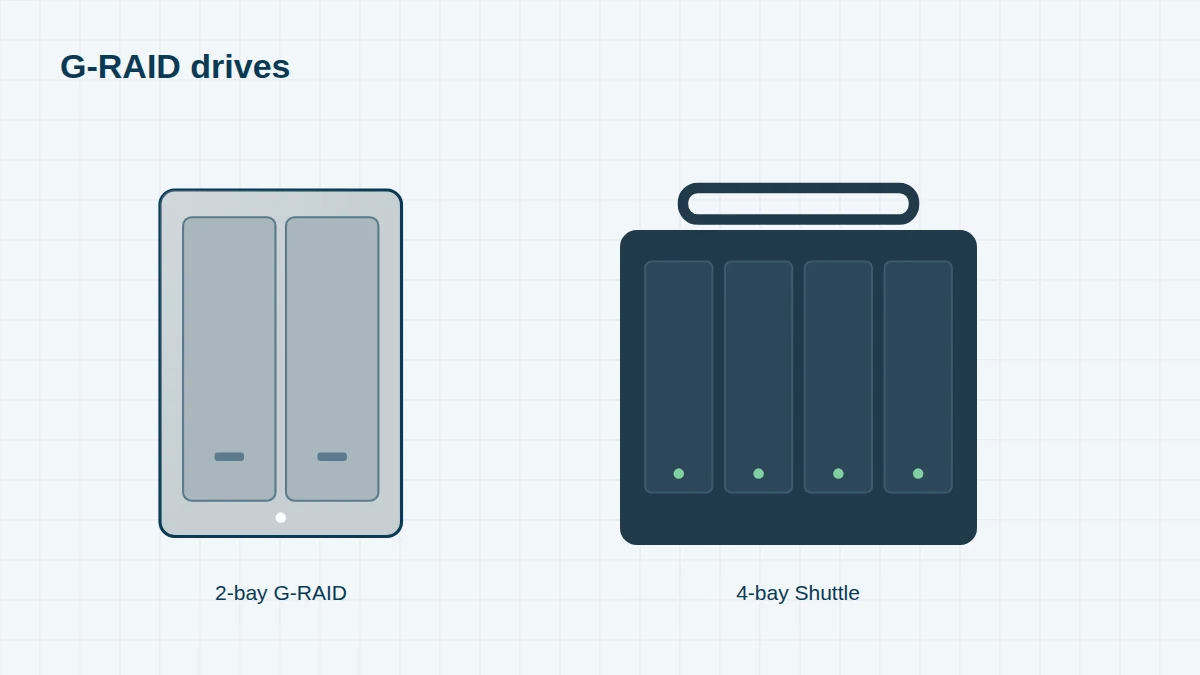
We recover data from every G-RAID, G-SPEED and G-DRIVE, from 2010’s FireWire 800 models to current SanDisk Professional G-RAID 2 and Shuttle units. For single-drive models and SSDs, see G-DRIVE and G-Technology SSDs.
G-RAID, G-SPEED & G-DRIVE Models Since 2010
Can’t see your model? The model name is on a label on the back or underside of the unit. We recover every G-Technology or SanDisk Professional system, including models not listed here – send us a photo of the label if you’re unsure.
G-Technology era (2010 – 2021) 8 entries
G-Technology was acquired by Hitachi GST in 2009, became part of Western Digital in 2012, and was renamed SanDisk Professional in 2021–22. Older units carry part numbers beginning 0G0 – for example 0G10810-1 is a 36TB G-RAID with Thunderbolt 3.
| Era | Model | Drives | Notes |
|---|---|---|---|
| 2010–11 | G-RAID (eSATA / FireWire 800 / USB 2.0) | 2 x 3.5-inch | RAID 0 by default |
| 2010–12 | G-RAID mini | 2 x 2.5-inch | Portable RAID |
| 2012 | G-RAID with Thunderbolt | 2 x 3.5-inch | First Thunderbolt G-RAID |
| 2013 | G-RAID USB | 2 x 3.5-inch | USB 3.0 |
| 2013–14 | G-RAID Studio / G-SPEED Studio / G-SPEED Studio XL | 2 / 4 / 8 | Thunderbolt 2 |
| 2015–16 | G-SPEED Shuttle / G-SPEED Shuttle XL | 4 / 8 | Thunderbolt 2 / 3, ev Series bay adapters |
| 2016–20 | G-RAID with Thunderbolt 3 (e.g. 0G10810-1) | 2 x 3.5-inch removable | Thunderbolt 3, USB-C, HDMI |
| 2019 | G-SPEED Shuttle SSD | 8 x SSD | Thunderbolt 3 |
SanDisk Professional era (2022 onwards) 7 entries
Current G-RAID models use enterprise Ultrastar drives. The part number gives the capacity – for example SDPH62H-036T is a 36TB G-RAID 2.
| Era | Model / part number | Drives | Notes |
|---|---|---|---|
| 2021–22 | G-RAID 2 – SDPH62H-012T / -036T and others | 2 x 3.5-inch | Thunderbolt 3, USB-C, HDMI, hardware RAID |
| 2022 | G-RAID Project 2 – SDPHK2H-024T / -048T | 2 x 3.5-inch | Works with PRO-BLADE and ev Series modules |
| 2021–22 | G-RAID Shuttle 4 – SDPH34H-024T / -048T and others | 4 x 3.5-inch | Transportable, RAID 5 by default |
| 2021–22 | G-RAID Shuttle 8 | 8 x 3.5-inch | Transportable, RAID 5 by default |
| 2022 | G-RAID Shuttle SSD – SDPS24H series | 8 x SSD (8–32TB) | RAID 5 by default; RAID 0, 1, 5, 10, 50 |
| 2021–22 | G-DRIVE PRO – SDPH51J series / G-DRIVE – SDPHF1A series | 1 x 3.5-inch | Single-drive desktop |
| 2022 | G-DRIVE ArmorATD – SDPH81G series | 1 x 2.5-inch | Rugged portable |
Common G-RAID Failures
- One drive failed in a RAID 0 G-RAID – the volume disappears completely, even though half the data is on the healthy drive
- Enclosure or RAID controller failure – the drives are fine, but the Mac no longer sees the volume
- G-RAID dropped or knocked on location – clicking drives or a volume that won’t mount
- Wrong power adapter used, damaging the enclosure’s electronics
- Drives removed and reinserted in the wrong order, or put into a new enclosure that initialised them
- RAID 5 Shuttle rebuild failure – a second drive fails while rebuilding onto a replacement
- macOS won’t mount the volume after an update, or Disk Utility reports it can’t repair the disk
Recovering Professional Media
G-RAIDs usually hold camera originals and project files. We recover ProRes, ProRes RAW, BRAW, R3D, ARRIRAW, XAVC, MXF and CinemaDNG footage; Final Cut Pro libraries, Premiere Pro, DaVinci Resolve and Avid projects; Pro Tools and Logic sessions; and Lightroom and Capture One catalogues – with folder structures intact where the file system allows.
Before You Do Anything
Don’t initialise the drive, change the RAID mode, or take the drives out and connect them individually to your Mac. Keep the drives in their original bays – or label them – and send the whole unit. See also our Mac RAID recovery page.
Frequently asked questions
One drive in my G-RAID has failed. Can the other drive be read on its own?
Not if it was set up as RAID 0, which is the default on most two-drive G-RAIDs. The data is striped across both drives in small blocks, so we need to recover the failed drive and rebuild the stripe.
Do you need the G-RAID enclosure?
Please send it. Most G-RAIDs use standard RAID layouts that we can rebuild from the drives alone, but the enclosure helps us confirm settings and test the electronics.
Can you recover a G-RAID Shuttle 8 in RAID 5?
Yes. We image all eight drives, rebuild the RAID 5 set from the images – excluding any drive that dropped out earlier – and recover the HFS+, APFS or exFAT volume.
Free assessment, no obligation. Call 020 7064 4996 or use the form on this page – an engineer will tell you what can be recovered and what it will cost. Book online · Pricing · Locations