
DNA data storage: the future of storage, explained simply
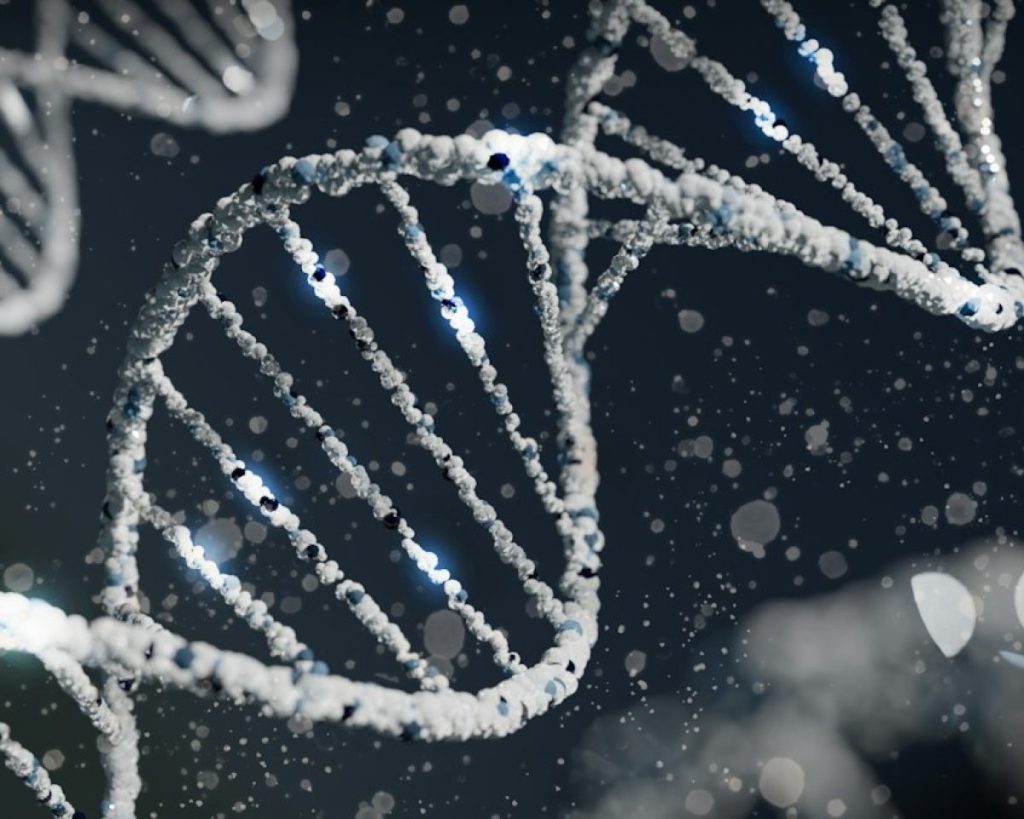
Every year we create more data, and every year we need somewhere to keep it. One idea that keeps making headlines is storing digital files in DNA, the same molecule that carries genetic information in living things. It is a fascinating idea, but it is worth separating what it promises from where it actually stands.
How DNA data storage works
Computers store everything as ones and zeros. DNA is built from four chemical bases, usually written as A, C, G and T. To store a file in DNA, researchers translate its binary data into a sequence of those four letters, add error-correcting information, and then chemically make (synthesise) strands of DNA in that order.
To get the file back, the DNA is read using sequencing machines, the same kind of technology used in genetics labs, and software turns the sequence of letters back into the original ones and zeros. Researchers have shown that text, images and even short videos can be stored and recovered this way.
Why researchers are interested
- Density. In theory, DNA can hold an enormous amount of information in a very small space, far more than any hard drive or tape.
- Longevity. Kept cool, dry and dark, DNA can last for a very long time. Scientists routinely read DNA from ancient remains.
- It won’t go out of date. Formats and drive connectors come and go, but as long as we study biology, we will have ways to read DNA.
The catch
For now, DNA storage remains experimental. Writing data means building DNA strands chemically, which is slow and expensive. Reading it back means sequencing, which is also slow compared with opening a file on a drive. You can’t simply browse or edit a file in DNA, and the equipment needed is found in laboratories, not offices.
That makes it, at best, a possible future option for long-term archives: data that needs to be kept for decades but rarely accessed. It is not a replacement for the drive in your laptop, and it won’t be any time soon.
Back to today’s reality
Whatever happens with DNA storage, today’s data lives on hard drives, SSDs, memory cards, servers and cloud services, and all of them can fail. Hard drives wear out and suffer mechanical faults. SSDs can fail suddenly without warning. Phones get lost, laptops get dropped, and ransomware can encrypt everything it can reach.
The practical answer hasn’t changed: keep backups. A widely used rule of thumb is 3-2-1: three copies of your data, on two different types of media, with one copy off-site, for example in the cloud. Our guide on how to back up your data shows you how to set this up.
If a drive has already failed and the backup isn’t there, power it down and don’t attempt repairs yourself. Our guide to how data recovery works explains what happens next.
Need data back now?
We offer a free initial assessment and a fixed, no-obligation quote. Call 020 7064 4996 or book your recovery online.